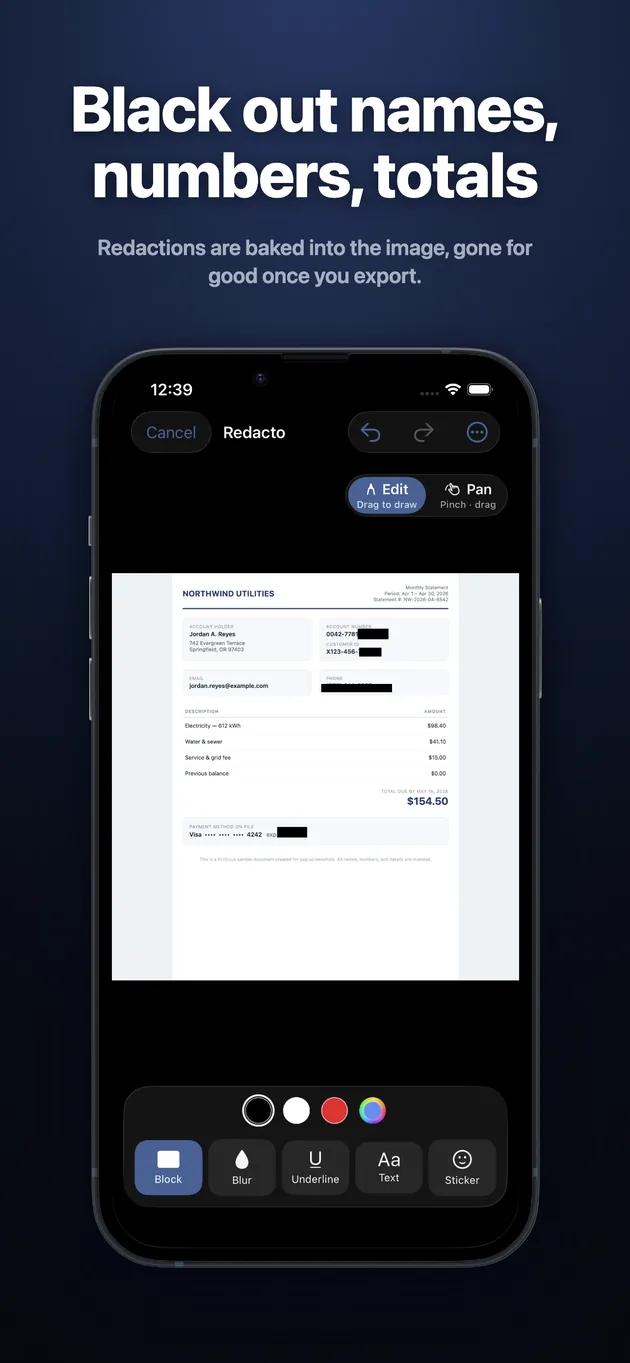
Black out names, numbers, totals
Redactions are baked into the image, gone for good once you export.
 Redacto
Private by design — 100% on device
Black out names, blur faces, censor IDs in screenshots and PDFs. Redactions are baked into the pixels — nothing underneath is left to recover.
Every tool free · No account · Works offline
Scan with your iPhone
to get Redacto
People share screenshots of chats, bank statements and tickets every day — and the built-in markup tools betray them. A highlighter stroke is semi-transparent, a crop can travel with the original inside the file, and "deleted" details keep resurfacing in the news.
Redacto works differently: every redaction is rendered into the image itself. Black boxes replace the pixels, heavy blur destroys them, and PDFs are converted to flat images before anything is hidden — so there is no text layer, no undo, and nothing for a recipient to peel back.
It all happens on your iPhone. Photos never touch a server, there's no account and no tracking, and every export is written as a fresh file with EXIF metadata and GPS location stripped out.
Five tools, automatic detection, and multi-page PDF support — in 31 languages.
Redactions are baked into the image, gone for good once you export.
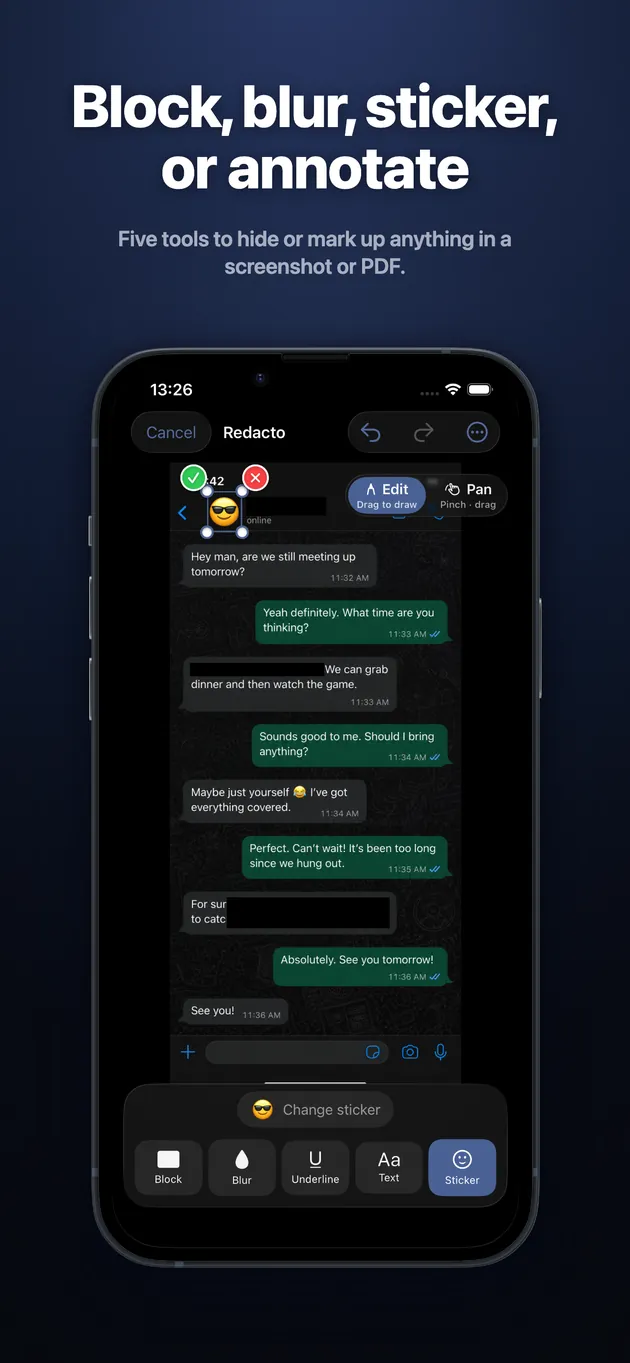
Five tools to hide or mark up anything in a screenshot or PDF.
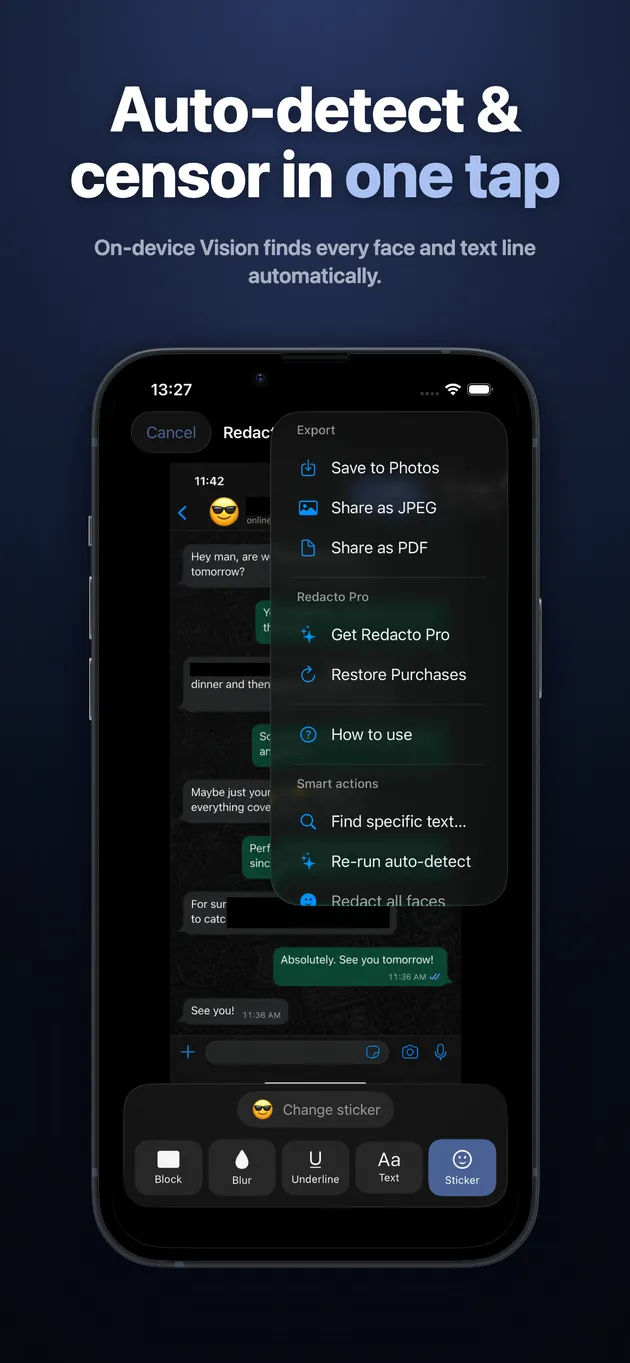
On-device Vision finds every face and text line automatically.
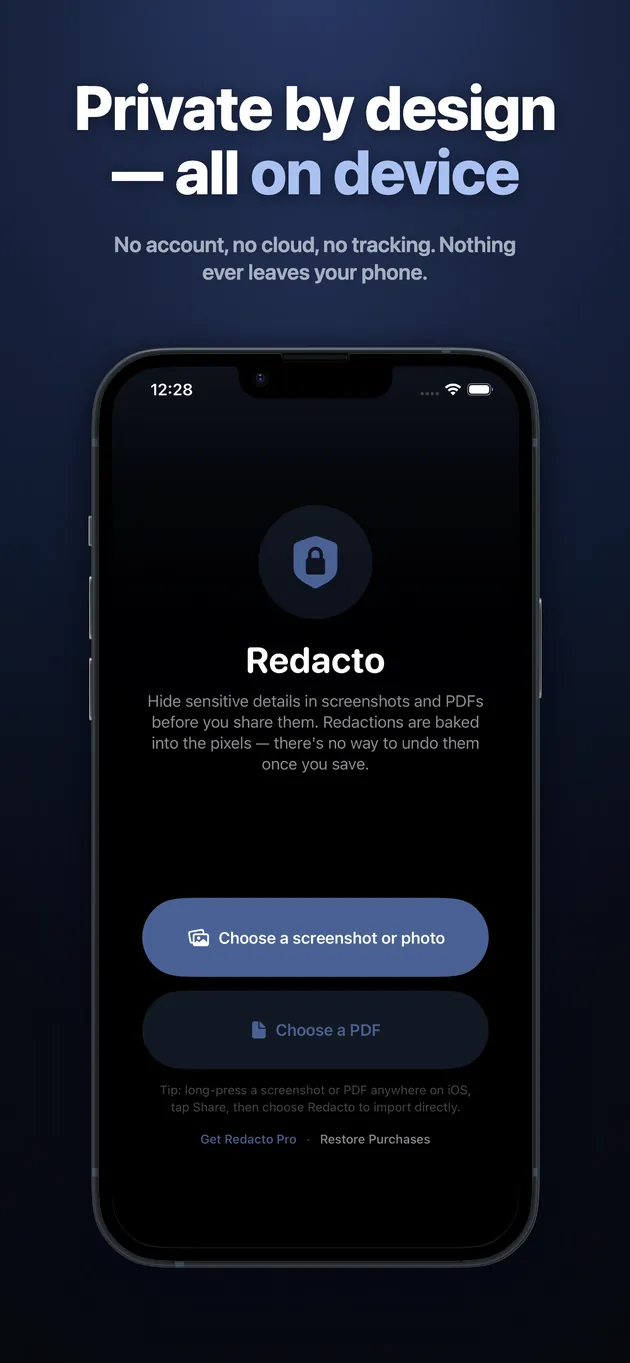
No account, no cloud, no tracking. Nothing ever leaves your phone.
Free includes all five tools, auto-detect, and full PDF support — with 3 exports a day. Redacto Pro makes exports unlimited.
Open the screenshot in Redacto, drag a box over anything private, and pick Blur or Block. When you export, the redaction is rendered into the image itself, so the blurred area can't be tapped, lightened or undone by whoever receives it.
Sometimes, yes — and that's the danger. Semi-transparent highlighter strokes can be brightened back into readable text, and light pixelation can be reversed with off-the-shelf tools. Redacto avoids this by destroying the pixels: black boxes replace them entirely and its blur is heavy enough that nothing underneath survives.
Redacto handles PDFs up to 50 pages. It converts each page to a flat image before you redact, which removes the hidden text layer — the classic PDF redaction failure where covered text can still be selected and copied simply can't happen.
No. Everything — editing, face and text detection, export — runs on your iPhone. There's no account, no server, no analytics on your content. The privacy policy is short because there's genuinely nothing collected.
Yes. One tap runs Apple's on-device Vision framework to detect every face and line of text in the image, and censors them all at once. You can also search for a specific word or number and censor every match across all pages.
Every feature is free: all five tools, auto-detect, multi-page PDFs, and find-text. The free plan includes 3 exports per day; Redacto Pro removes that cap with a monthly or annual subscription, or a one-time Lifetime purchase.
Yes. Every export is written as a brand-new file with EXIF metadata, GPS coordinates and embedded thumbnails stripped out — so a shared image can't leak where or when it was taken.
Markup's pen and highlighter draw semi-transparent strokes on top of the image — brightness and contrast tricks can often bring the text back. Redacto's Block and Blur are destructive by design: the original pixels are gone from the exported file, permanently.
That's exactly what Redacto is for. Black out names and profile photos, blur message bubbles, or drop a sticker over anything you don't want seen — then export a clean copy that's safe to post anywhere.
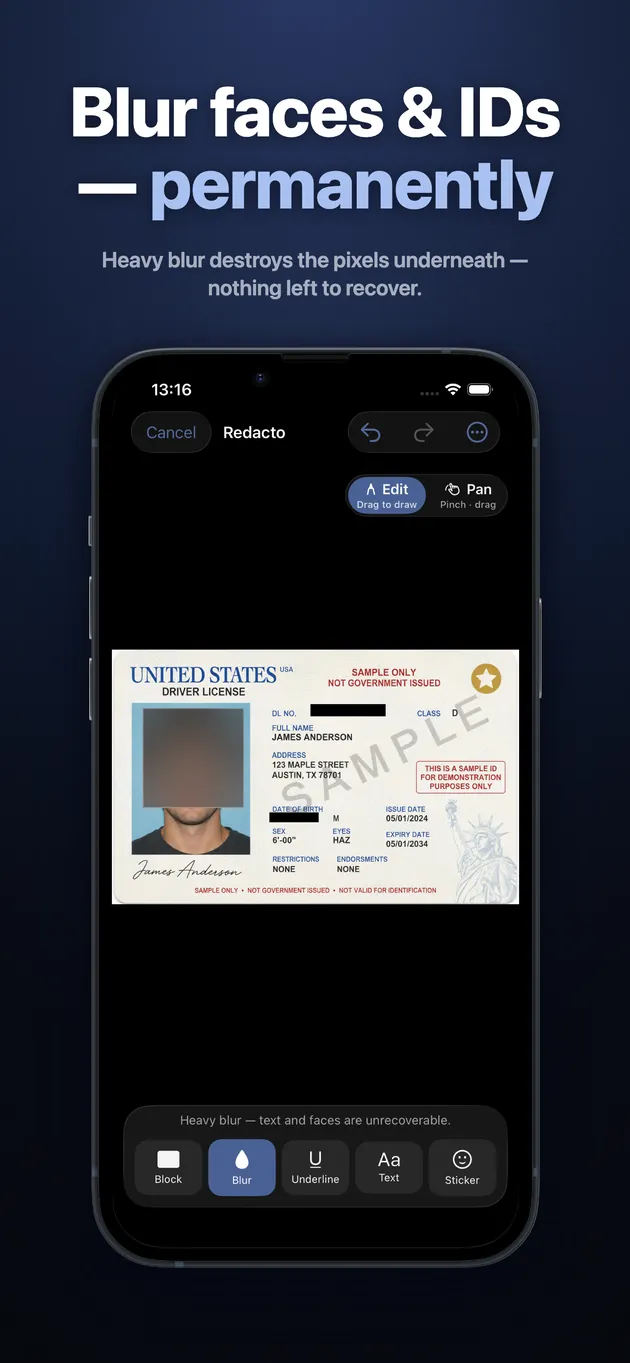
Yes. Auto-detect finds every face in one tap, or you can drag a box over a face yourself and choose Blur, Block or an emoji sticker. The export permanently removes the face pixels underneath.